




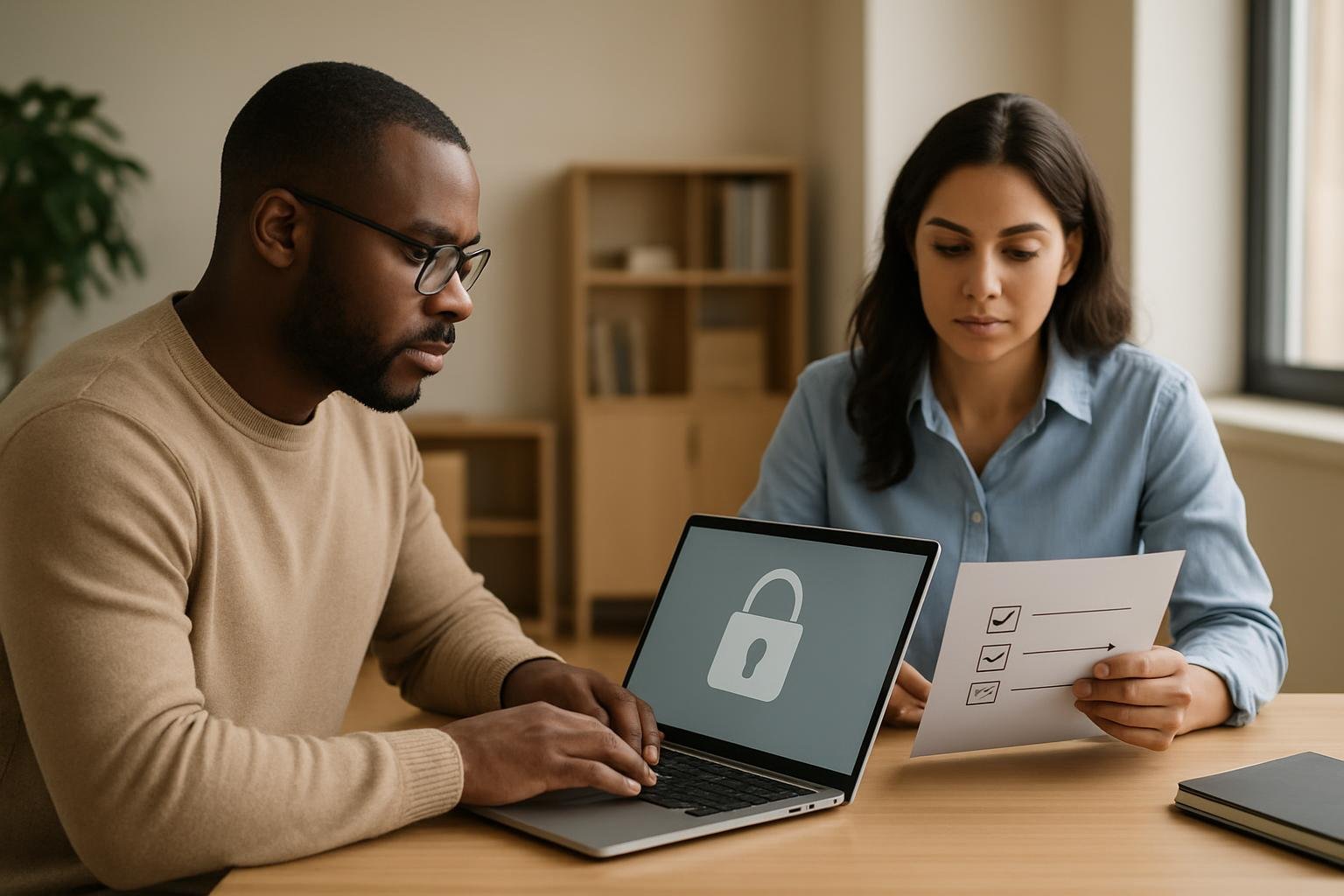
Cybersecurity is not only for specialists or large organisations. If you use email, cloud tools, shared drives, online banking or a work laptop, you already make security decisions every day. The good news is that many of the most effective protections are built on a small set of basic habits and concepts.
This guide gives a practical introduction to cybersecurity basics for adult learners and working professionals. It focuses on the sort of issues you are most likely to encounter at work: weak passwords, suspicious emails, insecure devices, shared accounts, unpatched software and the need to protect information without slowing down your day.
If you want a structured way to explore these foundations further, the CompTIA Security training course covers network security, compliance and operational security, threats and vulnerabilities, application and host security, access control and identity management, and cryptography.
Start with the most common risks
Many security incidents begin with something ordinary: a rushed click, a reused password or an outdated system. That is why beginners should start by understanding the most common ways risk enters everyday work.
Here are the main areas to pay attention to:
- Phishing and social engineering: messages that try to trick you into revealing information or opening harmful links and attachments.
- Poor password habits: short passwords, reused passwords and shared logins make accounts easier to misuse.
- Unpatched software: old applications and operating systems can contain known weaknesses.
- Unsafe device use: lost laptops, unlocked screens and unsecured mobile devices can expose information.
- Weak access control: giving people more access than they need increases the chance of accidental or intentional misuse.
A useful beginner mindset is to ask three questions before taking any action: Do I trust the source? Do I need this access? What is the impact if this goes wrong? These questions are simple, but they help you slow down and make better decisions.
Build strong day-to-day habits
Good cybersecurity is often about consistency rather than complexity. You do not need advanced tools to improve your baseline protection. You need habits that are practical enough to maintain.
1. Treat passwords as security controls
Passwords should be unique, hard to guess and not reused across multiple services. If one account is compromised, reused credentials can quickly create a wider problem. A password manager can make this easier to handle, especially when you are dealing with many business and personal accounts.
2. Pause before opening links and attachments
Unexpected messages deserve extra caution, even if they appear to come from a known contact. Look for signs that something feels off, such as urgency, unusual wording, mismatched addresses or requests that do not fit normal processes. If in doubt, verify using a separate trusted channel.
3. Keep devices updated
Software updates are not just about new features. They often include security fixes. Where possible, enable automatic updates on your devices and applications, and check that business-critical systems are maintained according to organisational policy.
4. Lock screens and secure devices physically
A strong login is less useful if a device is left unlocked in a meeting room or on a desk. Simple physical habits matter: lock your screen when stepping away, store devices securely and be careful in public spaces where others may overhear or observe sensitive information.
Understand how security fits into everyday work
Cybersecurity is easier to apply when you see how it connects to normal business tasks. In many workplaces, the goal is not to eliminate all risk, but to reduce it to an acceptable level while keeping work efficient.
For example, a team might share documents through cloud storage, use remote access for hybrid working and handle customer data on multiple devices. Each of those activities creates security questions:
- Who should be able to view or edit the file?
- Is the connection secure?
- Is sensitive data stored where it should be?
- What happens if a device is lost or stolen?
- How do we know whether access is still appropriate?
This is where basic operational security comes in. Clear procedures, good record-keeping and sensible access rules can prevent confusion and reduce mistakes. Security is not only about tools; it is also about process.

Learn the core concepts behind common protections
As you move beyond the basics, you will start seeing recurring themes in cybersecurity. Understanding these concepts will help you make sense of policies, settings and technical advice.
Access control and identity management
Access control is about making sure the right people have the right permissions at the right time. Identity management is how organisations confirm who a person is and manage that access over time. The practical idea is simple: avoid unnecessary access and review permissions regularly.
This matters because one over-privileged account can create much more risk than many ordinary accounts. If a colleague changes role or leaves the business, their access should be updated promptly.
Threats and vulnerabilities
A threat is something that could cause harm, such as a scammer, malicious software or careless behaviour. A vulnerability is a weakness that can be exploited, such as outdated software or poor configuration. A risk exists when a threat can take advantage of a vulnerability and cause damage.
This distinction is useful because it helps you think clearly. You cannot remove every threat, but you can reduce vulnerabilities and strengthen your response.
Application, data and host security
Application security focuses on the safety of software. Data security focuses on protecting the information itself. Host security focuses on the device or system that runs the software and stores the data.
In practice, this means checking which applications are allowed, limiting unnecessary permissions, protecting sensitive files and making sure endpoints such as laptops and servers are configured sensibly.
Cryptography
Cryptography sounds technical, but the basic idea is straightforward: it helps protect information by making it unreadable to unauthorised people. You will encounter it in secure websites, encrypted devices and protected communications. At a beginner level, it is enough to understand that encryption is one of the main ways organisations protect data in transit and at rest.
What to do if something feels wrong
One of the most valuable security skills is knowing how to respond when something seems suspicious. You do not need to diagnose everything yourself. You need a calm, repeatable process.
- Stop and assess: do not rush to click, open or reply.
- Check the source: look for obvious signs of impersonation or mismatch.
- Use a trusted route: contact the sender through a known phone number, internal directory or official process if verification is needed.
- Report promptly: follow your workplace or service provider’s security reporting process.
- Preserve evidence: keep the message or note what happened, if your organisation asks for this.
Reporting early can matter more than trying to fix everything alone. In many situations, the sooner a suspicious event is flagged, the easier it is for an organisation to limit the impact.

How beginners can keep learning
If you are new to this subject, it helps to learn in layers. Start with the practical behaviours you can use today, then build the underlying concepts that explain why those behaviours matter. That approach makes cybersecurity feel less abstract and more relevant to your work.
A structured course can help you connect the dots between everyday actions and the broader security picture. The CompTIA Security training course is organised around six modules: Network Security; Compliance and Operational Security; Threats and Vulnerabilities; Application, Data, and Host Security; Access Control and Identity Management; and Cryptography. Those topics provide a solid framework for beginners who want to understand both the “how” and the “why” behind security practices.
Frequently asked questions
Is cybersecurity only important for IT staff?
No. Anyone who uses digital tools at work or at home can affect security. Everyday actions such as handling emails, passwords and shared files all have security implications.
What is the easiest cybersecurity habit to improve first?
Using unique, strong passwords and being more cautious with links and attachments are two of the most practical first steps. They are simple habits that can reduce common risks.
Do I need a technical background to start learning?
No. Beginners can start with basic concepts such as threats, vulnerabilities, access control and encryption. A good introduction explains these ideas in plain language before moving into more technical detail.
Conclusion
Cybersecurity basics are not about memorising jargon. They are about building sensible habits, understanding common risks and knowing how to respond when something does not look right. If you learn the foundations well, you will be better prepared to protect information, support safer working practices and make sense of more advanced security topics later on.
For a structured introduction, explore the CompTIA Security training course and use it to deepen your understanding of the core areas covered in this guide.
Featured course
Comptia Security Training
Ready to take the next step? Explore the full course and start learning today.
